By Web ToolBox Store, Senior SEO & AEO Expert
Meta descriptions serve as the digital billboard for every webpage appearing in search engine results. While they do not directly influence rankings, these brief snippets are the primary driver of organic click-through rates (CTR). Crafting a compelling summary while staying within strict technical boundaries is essential for any modern SEO and AEO strategy.
Pixel-Perfect SERP Simulator
Stop guessing how your sitewide meta tags will render. Audit your titles and descriptions with pixel-perfect accuracy to maximize your organic click-through rates.
Launch the SimulatorThe Science of Character Counts and Pixel Limits
A common challenge in search engine optimization is balancing descriptive content with technical constraints. While most SEO professionals focus on a character limit of meta description tag around 155–160 characters, search engines actually measure space in pixels.
A meta description character limit checker is vital because uppercase letters and wider characters (like ‘W’ or ‘M’) take up more horizontal space than others. If a description exceeds the 920-pixel threshold on desktop or 680 pixels on mobile, it will be truncated with an ellipsis (…), potentially cutting off the most persuasive part of the call-to-action.
Why You Should Check Description SEO Regularly
Search intent evolves, and so should meta tags. Using a character count seo tool ensures that every snippet is perfectly tailored for the SERP (Search Engine Results Page).
Avoid Truncation: Ensure the core value proposition is visible.
Improve Relevance: Match the snippet to the specific search query.
Enhance Trust: Professional, well-formatted snippets signal quality to the user.
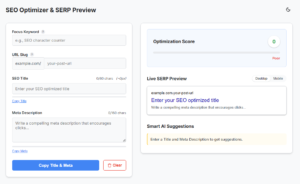
For real-time testing, the Premium SERP Simulator provides an instant preview of how titles and descriptions appear in the wild. This tool processes all data locally on the device, maintaining a privacy-first approach by ensuring no data is ever uploaded to a server.
The Technical Deep Dive
Why Characters Are a Lie: The Pixel Truth
Most beginners look for a simple character count SEO number, but senior webmasters know better. Google doesn't measure by characters; it measures by pixels. A capital "W" takes up three times the space of a lowercase "i." This is why a standard meta description character limit checker often fails—it doesn't account for the visual width.
SERP Limit Reference Table
To help you check description SEO accuracy, use this quick reference table for your 2026 strategy:
| Device Type | Max Character Recommendation | Max Pixel Width | Best Practice Focus |
|---|---|---|---|
| 🖥 Desktop | 155 – 160 chars | ~920px | Benefit-driven hooks |
| 📱 Mobile | 115 – 120 chars | ~680px | "Thumb-stopping" CTAs |
| 🤖 AEO / AI | 100 – 140 chars | N/A | Clear, factual answers |
Advanced Strategies for AEO and Snippet Success
Answer Engine Optimization (AEO) focuses on providing direct, concise answers that AI-driven search engines can easily parse. To optimize for both traditional search and AI summaries:
Place Keywords Early: The primary keyword should appear within the first 60 characters.
Use Active Voice: Phrases like “Learn how to,” “Download the guide,” or “Discover the secrets” encourage immediate action.
Address the Query Directly: Use the meta description to summarize the answer to the user’s likely question.
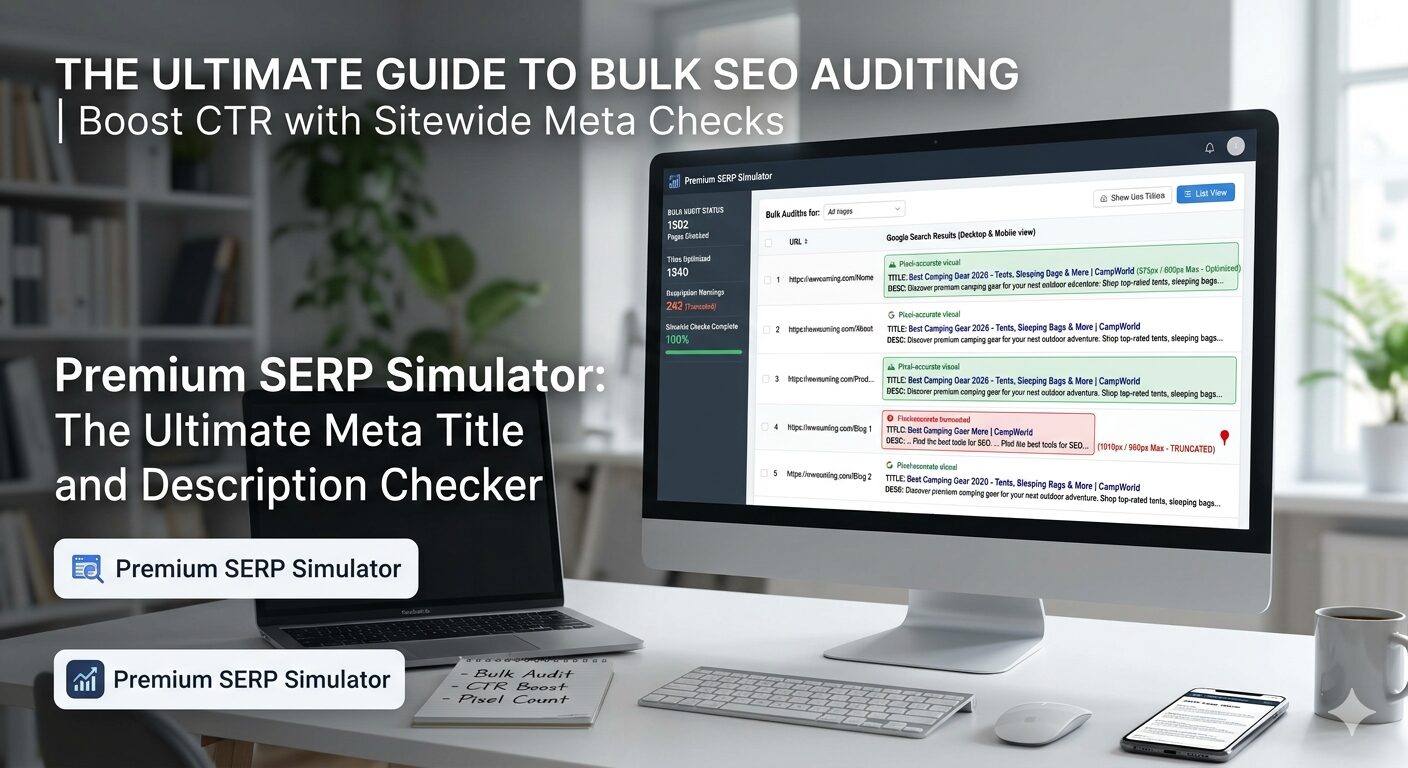
For those managing large-scale websites, optimizing individual pages is only half the battle. Strategic oversight is required to ensure consistency across thousands of URLs. For a deeper dive into scaling these efforts, see The Ultimate Guide to Bulk SEO Auditing: How to Master Your Sitewide Meta Tags for Maximum CTR.
Technical Best Practices for Webmasters
Implementation of meta tags should be clean and standardized. The standard HTML syntax is as follows:
When utilizing a meta description character limit checker, aim for the “sweet spot” of 120 to 155 characters. This range is generally safe across both mobile and desktop environments without appearing too sparse.
Key Metrics to Monitor
Click-Through Rate (CTR): Monitor Google Search Console for pages with high impressions but low clicks.
Bounce Rate: Ensure the meta description accurately reflects the page content to prevent user frustration.
Pixel Width: Use a simulator to verify that the text does not cut off on smaller screens.
SEO Meta Tag FAQ
What is the exact character limit of meta description tag in 2026?
While there is no "hard" limit, Google generally truncates snippets after 155–160 characters on desktop and 120 on mobile. However, focusing on a 920-pixel width is a more accurate way to ensure your text isn't cut off.
Does a meta description help with search rankings?
No, the description is not a direct ranking factor. However, it is a massive CTR (Click-Through Rate) factor. A better description leads to more clicks, which signals to Google that your page is relevant to the user's intent.
How do I perform a character count SEO check for my whole site?
You can use manual simulators for key pages, but for sitewide audits, you should use a bulk auditing tool or crawler to identify "too long" or "too short" tags that might be hurting your click-through potential.
Is there a free meta description character limit checker that is private?
Yes. Our Premium SERP Simulator is designed for webmasters who value privacy. Because it operates entirely on the client side (your browser), your sensitive SEO descriptions are never stored or seen by us.
Conclusion
Optimizing meta descriptions is a blend of creative copywriting and technical precision. By utilizing a dedicated character count seo tool and adhering to pixel-based limits, websites can significantly improve their presence in search results. Regular auditing and the use of a reliable meta description character limit checker ensure that your site’s first impression is always a professional and effective one.